
How Modern POS Systems Are Transforming Business Operations

Walk into almost any café, clothing boutique, or busy restaurant today, and you'll find a sleek screen at the counter doing far more than ringing up a sale. Behind that screen sits a POS system — short for point of sale — and it's quietly running one of the most important parts of the business. Yet for all the buzz around digital transformation, many business owners still think of these systems as glorified cash registers. That misunderstanding is worth correcting, because the right system can genuinely change how well a business operates.
Point of sale systems have evolved dramatically over the past decade. Where once they were bulky, expensive, and difficult to configure, today's solutions are cloud-connected, subscription-based, and designed to work across multiple locations and devices simultaneously. Whether you run a single boutique or a chain of outlets, understanding what these systems actually do — and how to choose one wisely — is knowledge worth having.
What POS Systems Actually Do
At their most basic, pos systems handle transactions. They record what was sold, process the payment, and update the stock count accordingly. But the better systems do much more than that. They track sales trends over time, manage staff schedules, build customer loyalty profiles, generate end-of-day financial reports, and sync with accounting software — all without the owner having to manually stitch the data together.
The shift to cloud-based platforms has been particularly significant. Older on-premise systems stored data locally, meaning a hardware failure could mean a catastrophic loss of records. Cloud-connected point of sale systems back up data automatically, can be accessed remotely, and receive software updates without requiring a technician to visit. For a business owner who needs to check the day's revenue while travelling, that remote access alone can be invaluable.
Types of POS Systems Worth Knowing
Not all POS setups look the same, and the variety on the market reflects just how different business needs can be. Here are the main categories:
Cloud-based systems: These run on internet-connected devices — tablets, phones, or dedicated terminals — and store all data in the cloud. They're typically subscription-based with lower upfront costs, making them popular with small and medium-sized businesses.
On-premise systems: These store data locally on an internal server. They offer greater control over data and can work without an internet connection, which some businesses in areas with unreliable connectivity may prefer.
Mobile POS (mPOS): These are smartphone or tablet-based solutions, ideal for market traders, pop-up shops, or any business that needs to take payments on the move. They typically pair with a compact card reader via Bluetooth.
Self-service kiosks: Common in fast food and larger retail environments, these allow customers to browse products, customise their orders, and pay without staff assistance — reducing queues and freeing up employees for other tasks.
POS Systems for Restaurants: A Different Breed
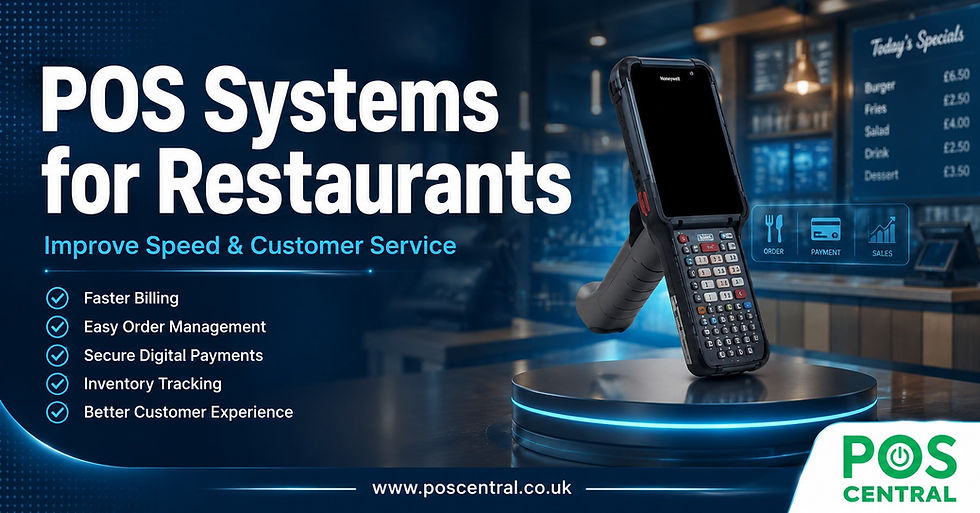
Hospitality has its own set of demands, and pos systems for restaurants have been engineered to address them. Unlike retail, a restaurant transaction is rarely straightforward — tables split bills, customers modify orders mid-service, kitchen and front-of-house teams need to communicate in real time, and dietary information has to be relayed accurately every single time.
The best restaurant-focused systems come with kitchen display screens that replace paper tickets, table management tools that show which seats are occupied and how long guests have been waiting, and integration with online ordering platforms. Tipping prompts, allergen flags, and course-by-course ordering are standard features in many of today's offerings. Some systems also integrate with reservation platforms and loyalty programmes, creating a fuller picture of each customer's dining history and preferences.
Crucially, downtime in a restaurant environment isn't just inconvenient — it can cost the business significant revenue during a lunch or dinner rush. That makes offline mode a near-essential feature. The best systems continue to function when the internet drops, syncing all data once the connection is restored.

What a Retail POS System Needs to Deliver
A retail POS system faces a different challenge. Inventory management tends to be more complex — a clothing store might have hundreds of SKUs across multiple sizes, colours, and styles. The system needs to track all of it accurately, raise alerts when stock runs low, and ideally connect with ecommerce platforms so that in-store and online inventory stays synchronised.
Customer relationship management (CRM) integration is another area where retail-focused systems shine. Loyalty points, purchase history, and personalised promotions can all be managed through the same platform that processes payments. For independent retailers competing with larger chains, that kind of personalised service capability can be a genuine differentiator.
How to Choose the Right System
Choosing a POS system is one of the more consequential technology decisions a business will make. Getting it wrong means either paying for features you'll never use, or scrambling to work around gaps in functionality. Here are the most important factors to weigh:
Scale and growth plans: A system that works well for a single location may struggle to handle multi-site operations. If expansion is on the horizon, choose a platform that can scale without requiring a complete overhaul.
Integration capabilities: Your POS doesn't operate in isolation. It should connect cleanly with your accounting software, payroll system, ecommerce platform, and any third-party apps your team relies on.
Security standards: Payment processing means handling sensitive financial data. Look for systems that comply with PCI DSS (Payment Card Industry Data Security Standard) and offer end-to-end encryption. This isn't optional — it's a baseline.
Support quality: The most sophisticated system in the world is useless if it breaks during a Saturday rush and customer support is unreachable. Check what support hours are offered, whether there's a dedicated account manager, and what the provider's uptime record looks like.
Implementation: Getting It Right From the Start
Even the best system will cause disruption if implemented carelessly. The transition period — migrating historical data, training staff, and configuring the system to match your workflows — is where many businesses stumble. A phased rollout, where the new system runs alongside the old one for a short period, can reduce the risk of costly errors.
Staff training is frequently underestimated. A system that's intuitive for someone who helped design it can feel alien to a team member encountering it for the first time during a busy service. Hands-on training sessions, user guides, and a short adjustment period where mistakes are expected and forgiven go a long way toward building confidence.
What the Near Future Looks Like
POS technology is still evolving, and several trends are worth watching. Artificial intelligence is beginning to work its way into analytics features, helping businesses predict demand, identify their most valuable customers, and flag unusual transaction patterns that might indicate fraud or stock shrinkage.
Contactless and biometric payment options continue to expand. Some systems are beginning to support facial recognition payments and voice-activated ordering, though adoption remains limited outside of large enterprise environments. Meanwhile, the line between ecommerce and physical retail continues to blur — modern point of sale systems increasingly serve as the connective tissue between these two channels, allowing businesses to offer click-and-collect, in-store returns of online purchases, and consistent pricing across all touchpoints.
Takeaways for Business Owners
A well-chosen POS system pays for itself — not just in time saved, but in the quality of the data it generates. Knowing exactly which products sell well on a Tuesday versus a Friday, which staff members are processing the most transactions, and which customers haven't visited in a while gives a business owner an edge that gut instinct simply cannot match.
Before choosing, map out your own workflows in detail — what problems do you need solved, what systems do you already use, and what does your business look like at its busiest? Use those answers as your selection criteria rather than defaulting to the most heavily marketed option. Request demos, trial periods, and references from similar businesses. And treat implementation as a project in its own right, not an afterthought.
The technology has never been more capable, and the cost of entry has never been lower. Whether you're opening your first location or rethinking how your existing business runs, there's a system out there that fits. The work is in finding the right one.
Read more:


Comments