
Is Your Label Printer Slowing Down Your Business Growth?

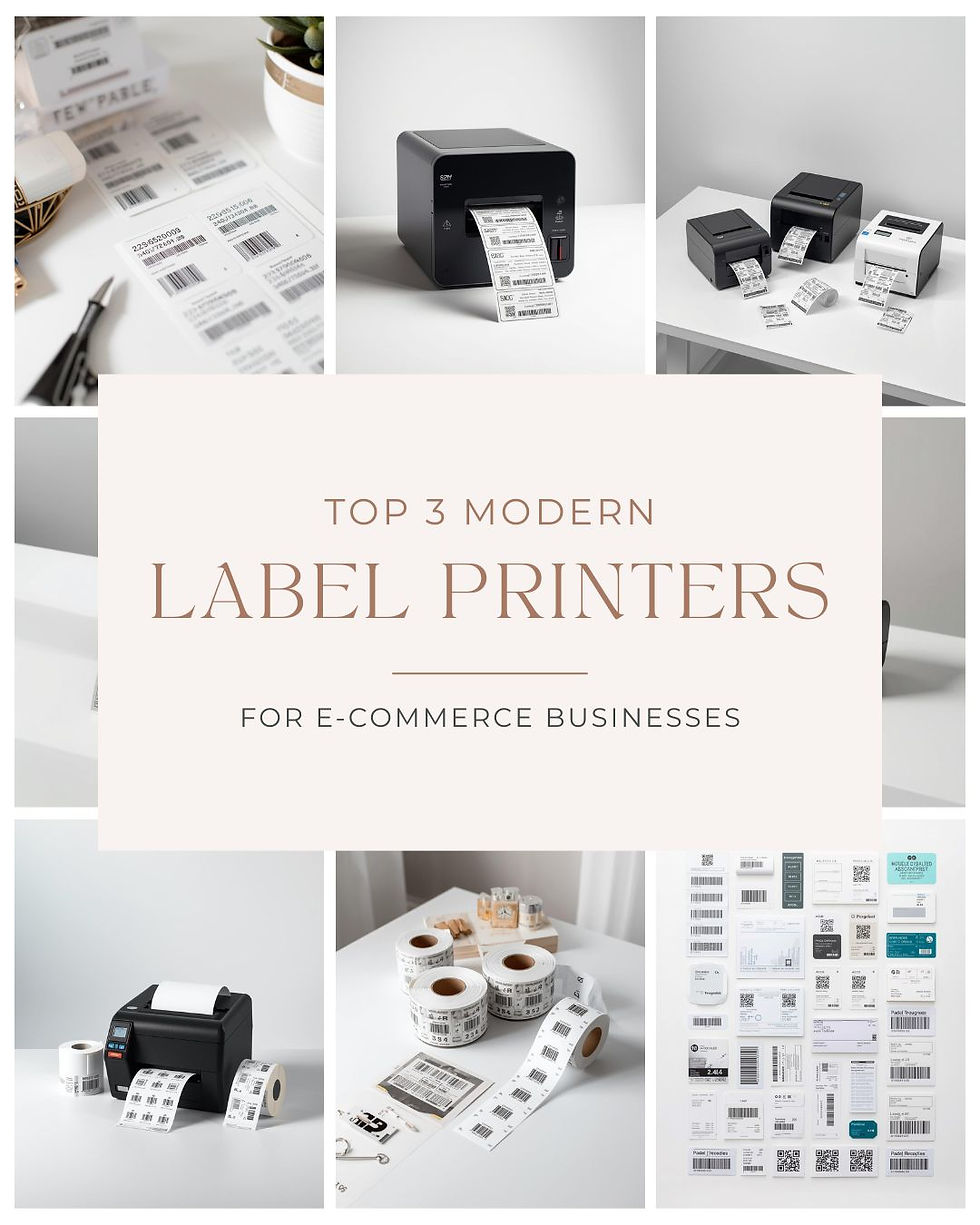
In modern retail, logistics, and healthcare environments, a reliable label printer plays a critical role in keeping operations efficient and error-free. Whether you're printing shipping labels, barcodes, or asset tags, the right printer can significantly improve workflow accuracy and speed. From my experience working with POS systems and labelling setups, businesses that invest in the right printing solution often see immediate gains in productivity and cost control.
This guide explores everything you need to know—from types of printers and real product examples to features, applications, and practical buying tips.
What Is a Label Printer and Why It Matters
A label printer is a specialised device designed to print labels, barcodes, and tags on various materials. Unlike standard printers, these are built for precision, durability, and high-volume tasks.
They are widely used for:
Product pricing and shelf labelling
Shipping and logistics
Inventory and asset tracking
Healthcare identification
Using high-quality Barcode printer labels ensures better scan accuracy, reducing operational errors and delays.
Types of Label Printers Explained
Choosing the right label printer starts with understanding the two main technologies.
Direct Thermal Label Printers
Direct thermal printers use heat-sensitive media to produce images without ink or ribbons.
Advantages:
Lower running costs
Minimal maintenance
Simple operation
They work with direct thermal labels and direct thermal label rolls, making them ideal for short-term use.
Best for:
Shipping labels
Receipts
Temporary tags
Limitations:
Labels may fade over time
Not suitable for long-term exposure
Thermal Transfer Label Printers
Thermal transfer printers use a ribbon to transfer ink onto the label surface.
Advantages:
Long-lasting print quality
Professional-grade output
These printers use thermal label rolls along with ribbons to produce durable Thermal labels.
Best for:
Asset tracking
Product labelling
Industrial environments
Limitations:
Slightly higher operating costs
Requires ribbon replacement
Popular Label Printer Models Worth Considering
To make an informed decision, it helps to look at proven models used across industries.
Zebra ZD220 Desktop Thermal Transfer Label Printer
The Zebra ZD220 is a dependable entry-level label printer designed for consistent daily use.
Key features:
203 DPI resolution for clear barcodes
USB connectivity for easy setup
Durable design for regular operations
Supports a variety of thermal label rolls
Best for: Retail shops and stockrooms needing long-lasting labels.
Honeywell PC42E-T Desktop Label Printer
The Honeywell PC42E-T offers flexibility with both thermal transfer and direct thermal printing modes.
Key features:
Dual printing capability
USB and Ethernet connectivity
Easy media handling
Compatible with different Label Rolls
Best for: Growing businesses needing versatility between direct thermal labels and durable options.
Bixolon XD3-40D Direct Thermal Label Printer
The Bixolon XD3-40D is built for speed and efficiency in high-volume environments.
Key features:
Direct thermal technology (no ribbon required)
Fast printing speeds
Multiple connectivity options
Optimised for direct thermal label rolls
Best for: E-commerce, logistics, and shipping operations.
Key Features to Consider Before Buying
When selecting a label printer, focus on these critical features:
Print Resolution (DPI)
203 DPI – Standard for most uses
300 DPI – Better for detailed labels
600 DPI – High-precision industries
Connectivity Options
USB for simple setups
Ethernet for shared environments
Wi-Fi for flexibility
Bluetooth for mobile use
Media Compatibility
Ensure your printer supports:
Different sizes of Label Rolls
direct thermal label rolls or ribbon-based media
Specialty labels
Speed and Volume
Choose based on your workload:
Light use: Entry-level printers
Medium use: Faster desktop models
Heavy use: Industrial printers
Durability
For demanding environments, invest in rugged models designed for continuous use.
Applications of Label Printers
A label printer serves multiple industries:
Retail
Price labels
Barcode tagging
Promotions
Logistics
Shipping labels
Inventory tracking
Healthcare
Patient ID labels
Lab samples
Manufacturing
Asset tracking
Compliance labels
Using reliable Barcode printer labels ensures smooth scanning and accurate data capture.
Practical Buying Tips
Choose Direct Thermal If:
You need cost-effective printing
Labels are short-term
You want low maintenance
Choose Thermal Transfer If:
Labels must last long-term
Products face harsh conditions
You need high durability
Match Printer to Business Size
Small businesses: Compact USB printers
Growing businesses: Network-enabled models
Large operations: Industrial-grade printers
Focus on Consumables
Your long-term cost depends on:
Label Rolls
Ribbons (if required)
Quality of thermal label rolls
Cheap consumables often lead to poor performance and higher maintenance costs.
Label Rolls and Compatibility Guide
Choosing the right Label Rolls is essential for optimal performance.
Types of Label Rolls
Direct thermal labels – No ribbon required
Thermal labels – Durable, ribbon-based
Specialty labels – Waterproof
Compatibility Tips
Check roll size and core diameter
Ensure printer compatibility
Match labels with printing technology
Using incorrect direct thermal label rolls or thermal label rolls can affect print quality and damage the printer.
Maintenance Tips for Long-Term Use
To extend the life of your label printer:
Clean the printhead regularly
Use high-quality thermal labels
Store labels in dry, cool conditions
Avoid dust buildup
Consistent maintenance ensures reliable performance and reduces downtime.
Future Trends in Label Printing
The industry continues to evolve with:
Wireless and cloud-based printing
Integration with POS and inventory systems
Eco-friendly direct thermal labels
RFID-enabled smart labelling
Staying updated with these trends can give your business a competitive edge.
Conclusion: Make the Right Label Printer Investment
A well-chosen label printer is more than just a device—it’s a productivity tool that streamlines operations, reduces errors, and supports business growth. Whether you opt for direct thermal simplicity or thermal transfer durability, the key is aligning your choice with your operational needs.
Don’t forget that the right combination of printer and Label Rolls is essential for achieving consistent, high-quality results.
Ready to upgrade your setup? Explore reliable label printers and premium thermal label rolls to build an efficient, future-ready labelling system for your business.
Read more:


Comments